
Status Bar Music Player
Discover how the Status Bar Music Player for Mac lets you control Spotify and Apple Music directly from your menu bar. Read our full hands-on review.
Streamline Your Desktop Audio Control
Imagine you are deep in your workflow, writing a report or coding, and a song comes on that completely breaks your concentration. Normally, you would have to interrupt your task, switch windows to your music app, skip the track, and then try to find your place again. The Status Bar Music Player macOS controller solves this exact friction point by placing your entire playback toolkit directly into your Mac's menu bar.
Developed by Tung Vu, this lightweight utility is designed specifically for macOS users who want to keep their workspace clean while maintaining instant access to their media. Instead of managing bulky windows, you get a compact, persistent set of controls that sit quietly at the top of your screen.
Key Features of the Status Bar Music Player
Despite its minimalist footprint, this application packs all the essential controls you need to manage your daily soundtrack without distraction:
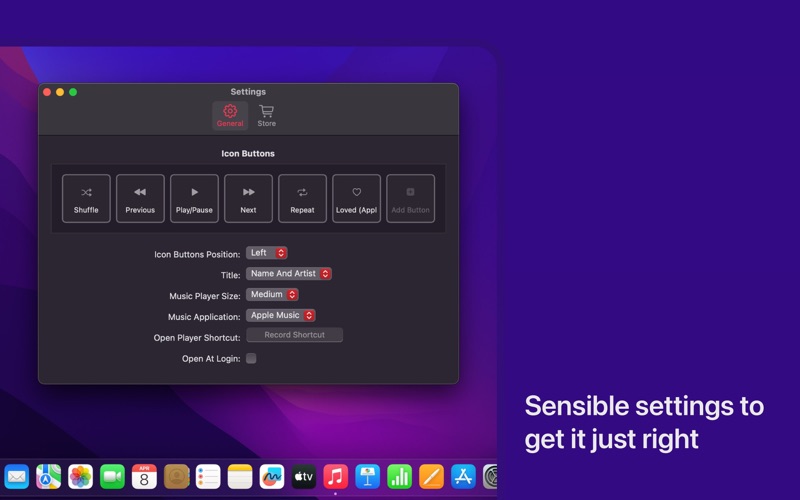
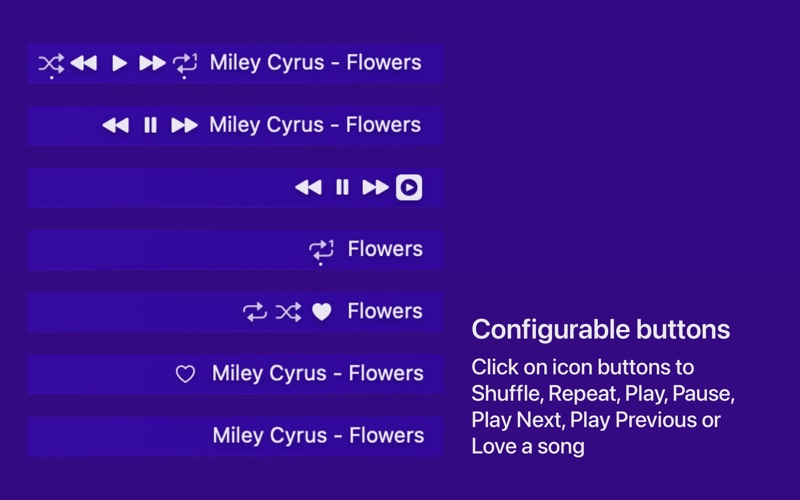
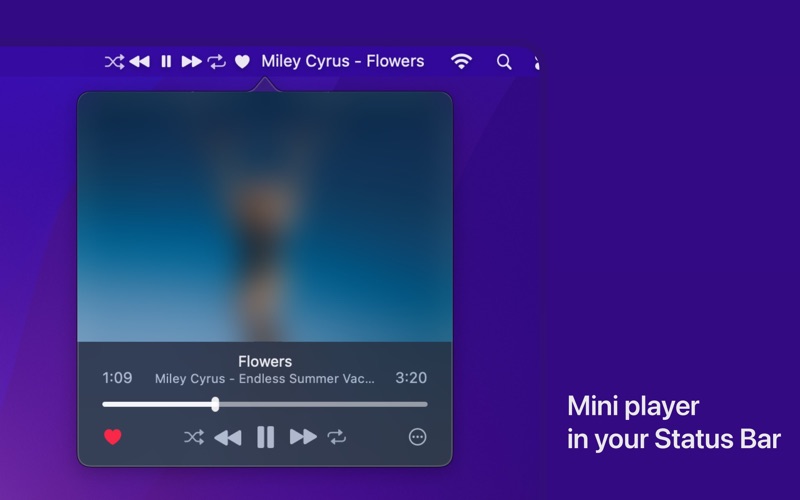
- Direct Playback Manipulation: Play, pause, skip to the next track, or return to the previous song with a single click on the status bar.
- Advanced Playback Modes: Toggle shuffle or repeat modes instantly without opening a main application window.
- Quick Feedback: Favorite or "love" your current track right from the menu bar to train your music service's recommendation algorithm.
- At-a-Glance Track Info: View the artist name and song title scrolling gracefully in your status bar.
- Rich Metadata Popover: Click once to reveal a beautiful mini-player interface showing high-resolution album artwork, the album name, and a precise playback timestamp.
Who Is This Menu Bar Controller For?
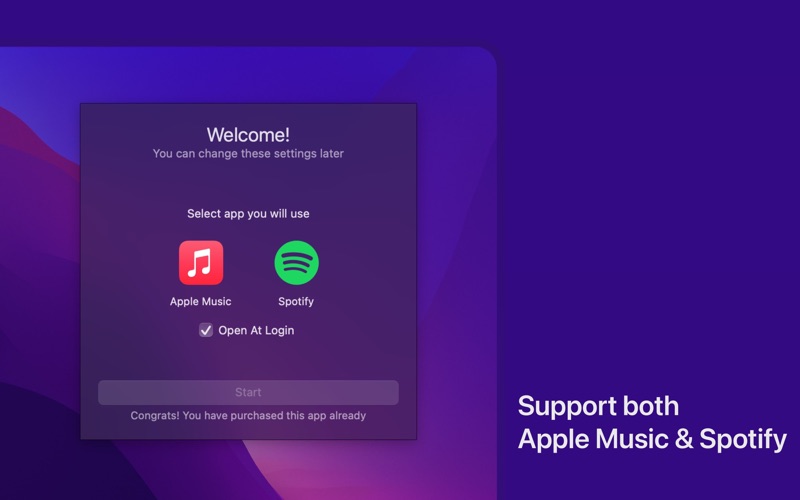
The Status Bar Music Player macOS controller is an ideal addition to the toolkit of any professional, student, or casual user who values screen real estate. If you frequently use dual-monitor setups or find yourself constantly minimizing windows to change tracks, this utility keeps your focus where it belongs. It acts as an elegant bridge for your media, supporting popular services like Apple Music and Spotify so you do not have to compromise on your platform of choice.
Pricing and Availability
This utility offers a highly transparent and consumer-friendly pricing model. Users can explore the software fully with a generous 30-day trial period. Once the trial concludes, there are no recurring subscription fees; a simple, one-time lifetime purchase unlocks the application permanently, making it a sustainable addition to your productivity suite.
Our Verdict
For Mac users seeking a streamlined, distraction-free audio experience, this app delivers exactly what it promises without unnecessary bloat. To add this convenient controller to your desktop setup, head over to the official Mac App Store to download the app and begin your trial.