
Silicio: Widgets + Mini Player
Read our comprehensive review of Silicio: Widgets + Mini Player. Discover how this elegant Mac utility elevates your desktop music control experience.
The Ultimate Desktop Companion for Your Mac Music Setup
Imagine you are deep in your creative flow, coding, designing, or writing an important email, and a song comes on that completely disrupts your concentration. Instead of interrupting your workflow to hunt down your music player window, minimize your current tasks, or fumble with system settings, what if you had a beautiful, unobtrusive controller right on your screen? That is exactly the seamless experience Silicio: Widgets + Mini Player brings to your macOS desktop.
Developed by Jan Bolz, this media utility bridges the gap between your favorite music services and your active workspace. It acts as a dedicated, highly customizable dashboard for your audio, ensuring that your controls and album art are always exactly where you need them without cluttering your screen.
Key Features of the Silicio Media Controller
Silicio: Widgets + Mini Player is packed with thoughtful features designed to make desktop music control effortless and visually pleasing:
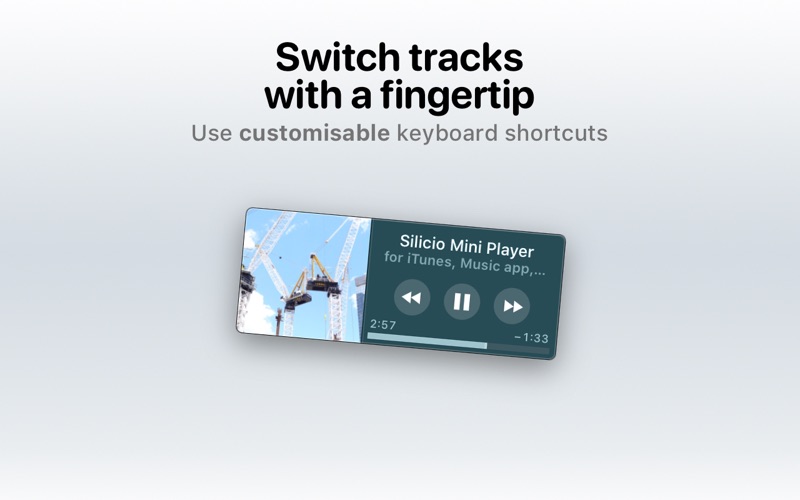
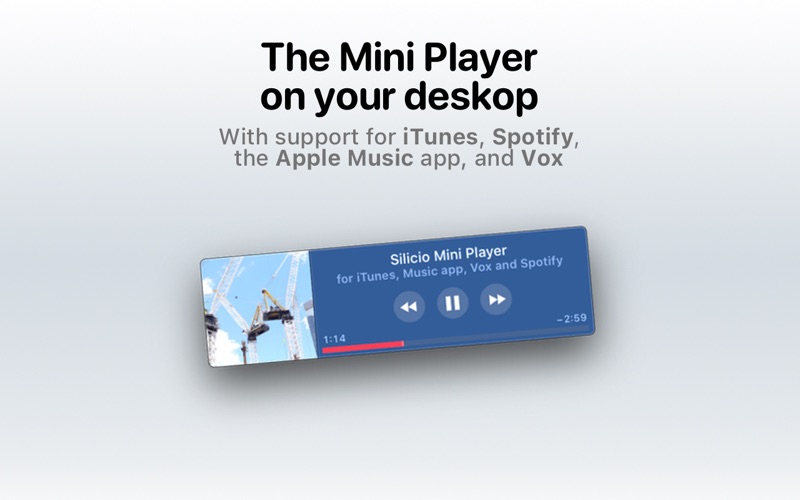
- Desktop Mini Player: Place a compact, high-quality player directly on your desktop to display gorgeous album art alongside essential playback controls.
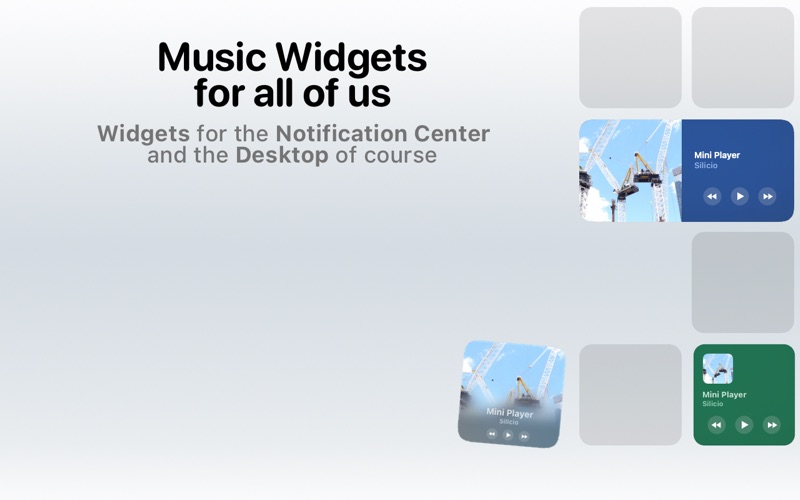
- Native macOS Widgets: Designed specifically for modern macOS environments (macOS Sonoma and newer), these desktop widgets show real-time song information and artwork seamlessly.
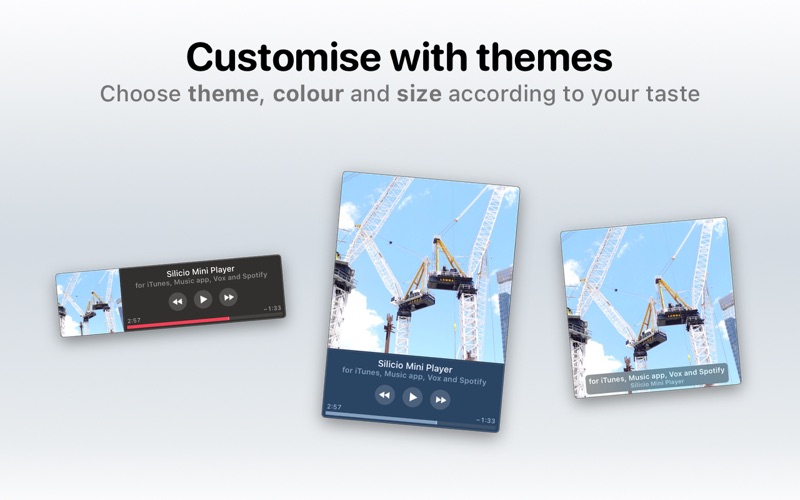
- Customizable Visual Themes: Personalize the appearance of your mini player with diverse aesthetic themes designed to make album art take center stage.
- Global Keyboard Shortcuts: Take command of your music from any active application with customizable global hotkeys.
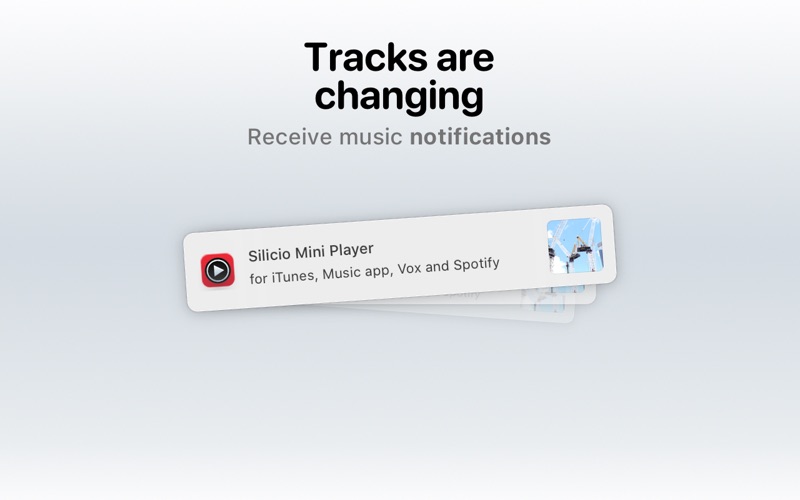
- Instant Notifications: Stay informed with subtle, elegant desktop alerts every time your playlist transitions to a new track.
- Last.fm Integration: Keep your music profile updated automatically by scrobbling your tracks directly to Last.fm.
- Smart Podcast Controls: Easily skip forward or rewind through podcast episodes when using supported players.
Broad Compatibility Across Popular Players
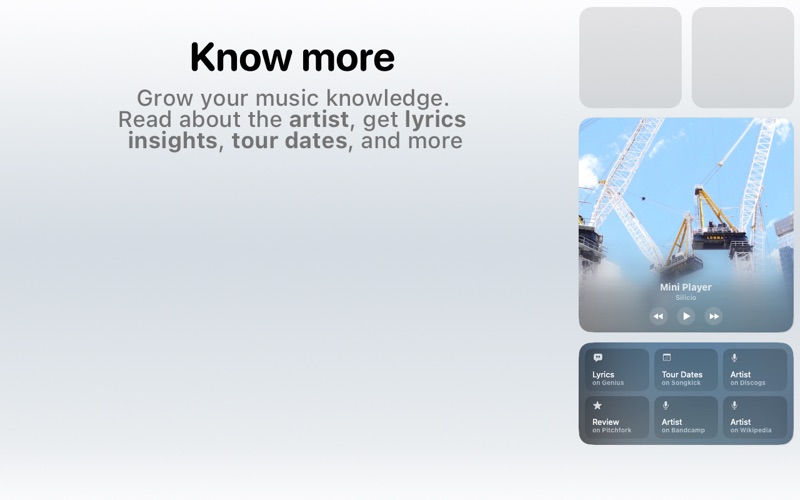
One of the strongest selling points of Silicio: Widgets + Mini Player is its versatility. Rather than locking you into a single ecosystem, it works harmoniously with several of the most popular media players on macOS. Whether you manage a local library via iTunes or the native Apple Music app, stream millions of tracks on Spotify, or listen to podcasts, Silicio aggregates your controls into one unified desktop interface. You can even quickly look up deeper artist and song details on Wikipedia directly through the utility.
Who Is This Mac Utility For?
This application is an exceptional fit for power users, remote professionals, and audiophiles who keep music running throughout their workday. If you want to keep your focus on your main display while maintaining instant, tactile command over your audio environment, this tool eliminates unnecessary window switching. Its clean design language feels right at home on macOS, making it a natural extension of your desktop rather than a distracting add-on.
Explore Silicio Today
If you are ready to streamline how you interact with your music and podcasts, this utility offers an elegant, widget-driven solution for your Mac. To see how it fits into your workflow, head over to the official Mac App Store to explore and download Silicio: Widgets + Mini Player for your system.