
Map Meter
Discover how Map Meter for Windows helps you calculate distances and estimate land areas easily. Read our full review of this educational mapping tool.
Visualize and Calculate Spatial Data with Map Meter
Whether you are planning a hiking route, studying geography, or working on a basic land layout project, the Map Meter distance and area calculator offers a straightforward digital canvas to estimate spatial dimensions. Developed by gjbsolutions for the Windows platform, this lightweight utility helps users transition from looking at a flat map to understanding the actual physical scale of the terrain they are viewing.
Key Features of the Map Meter Distance and Area Calculator
This software is built around simplicity, stripping away complex GIS (Geographic Information System) menus in favor of a user-friendly interface. Here is what you can expect from the application:
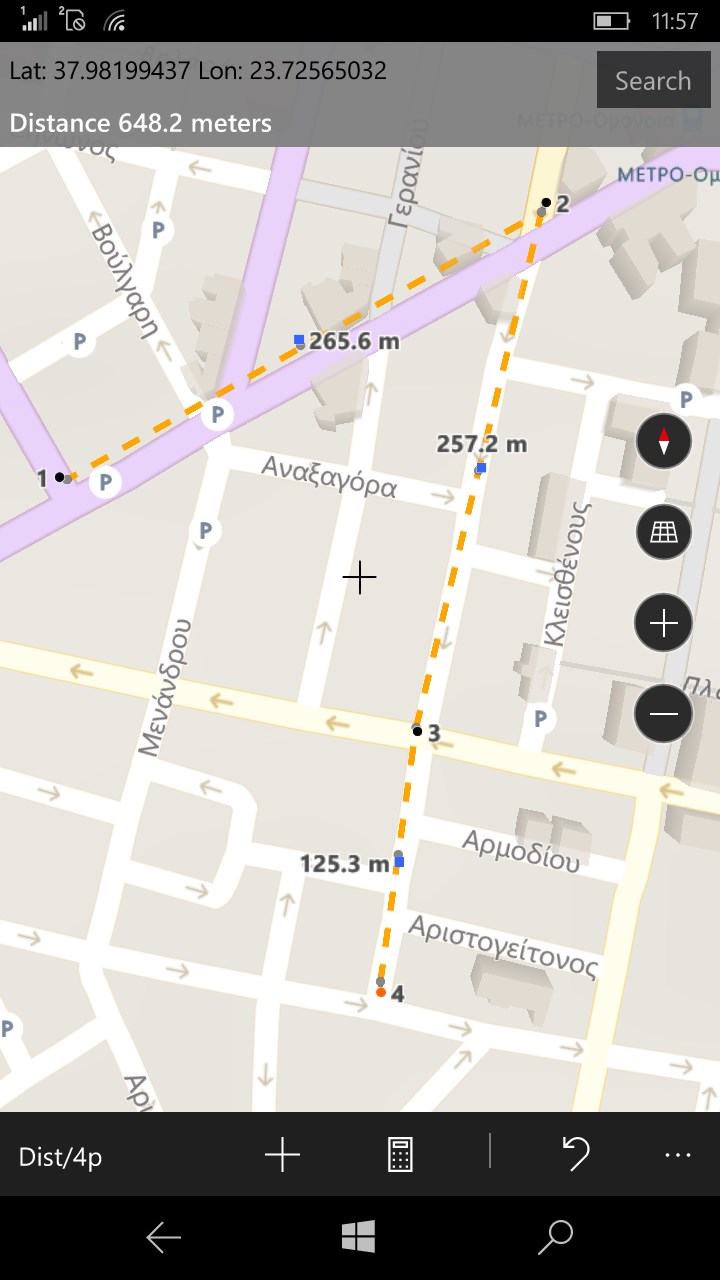
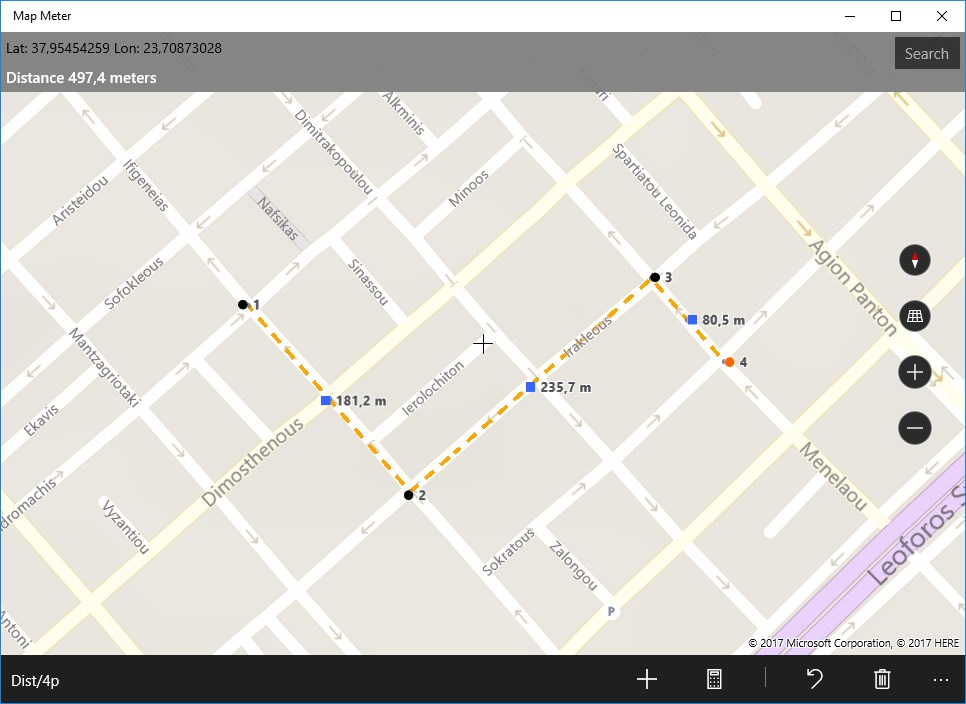
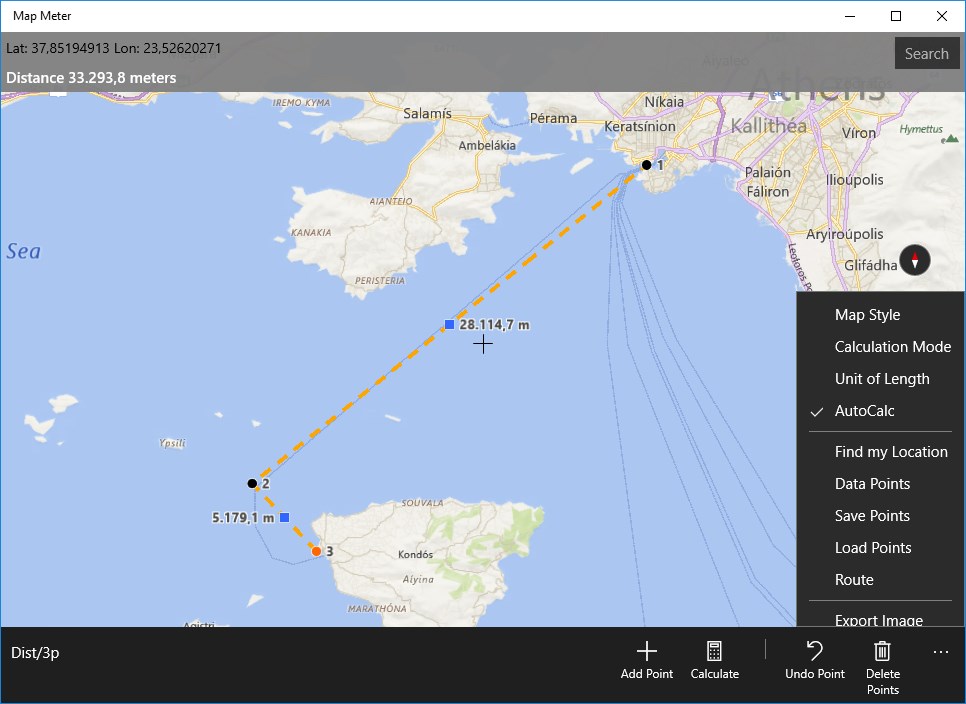
- Point-to-Point Distance Estimation: Plot multiple coordinates along a path to get an instant calculation of the total approximate distance.
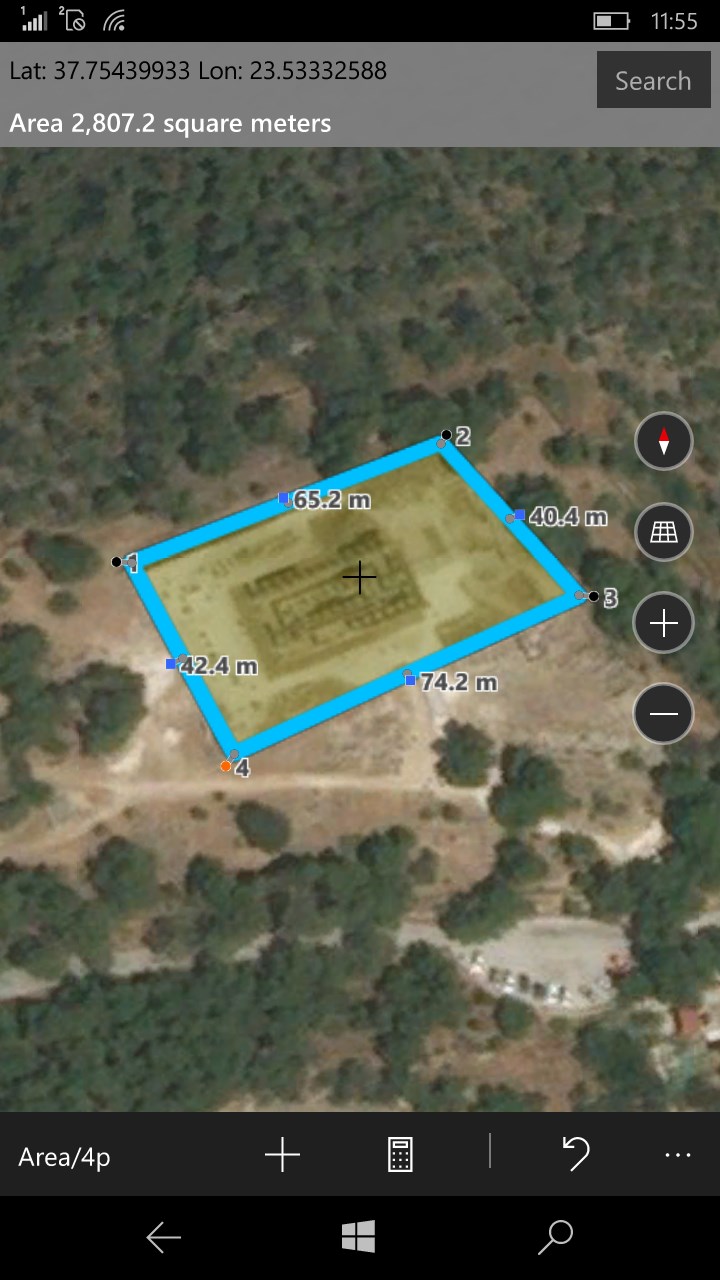
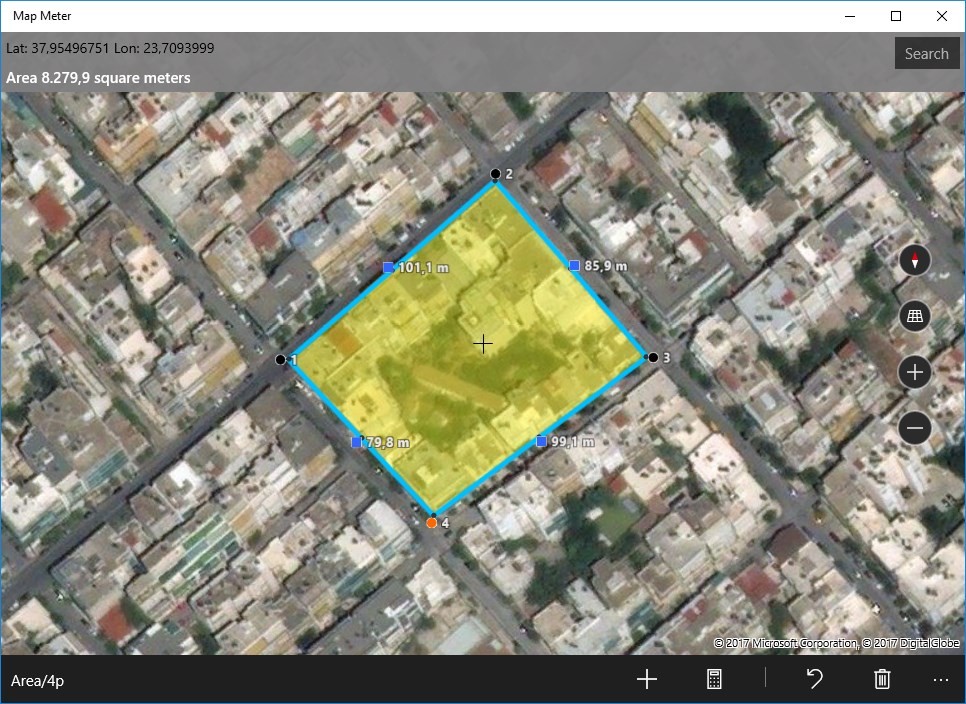
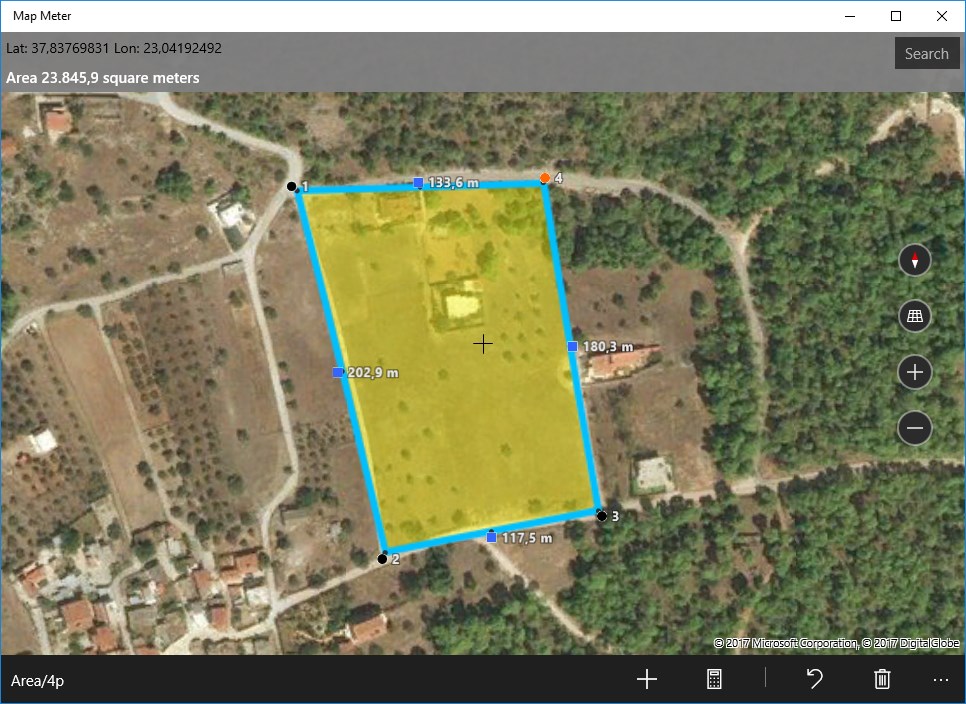
- Polygon Area Calculations: Outline specific regions to receive an estimated area measurement of the enclosed space.
- Educational Design: Built primarily for educational purposes, making it an excellent classroom tool for teaching scale, geometry, and geography.
Important Usage Guidelines for Accurate Calculations
Because the Map Meter distance and area calculator relies on user-defined inputs, there is an important technical rule to keep in mind when measuring regions. When you are estimating a specific area, you must ensure that the boundary lines of your polygon do not cross or intersect. If any lines overlap or create self-intersection points, the mathematical algorithm will not compute correctly, leading to inaccurate area readouts. Keeping your perimeter clean and sequential ensures the most reliable estimate.
Who is Map Meter For?
This utility is ideal for students, educators, and hobbyists who need quick, non-critical spatial estimates without the steep learning curve of professional CAD or mapping software. It serves as a practical helper for visualizing scale and understanding how physical boundaries translate into mathematical measurements on a digital grid.
Our Editorial Verdict
While it is not designed for high-precision engineering or legal land surveying, the Map Meter distance and area calculator succeeds in its goal of providing an accessible, educational environment for spatial exploration. It is a highly focused tool that does exactly what it promises on Windows devices.
Ready to try it out for your next educational project? You can view the application and check its system compatibility on the official Microsoft Store.