
Steam Link
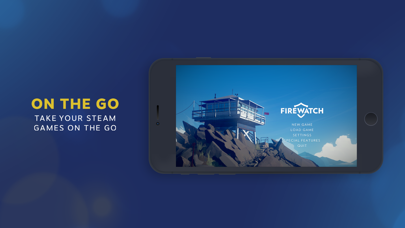
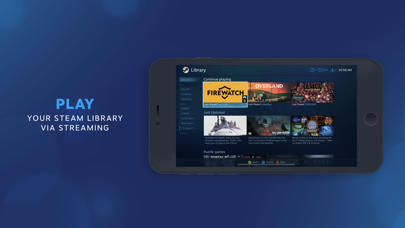
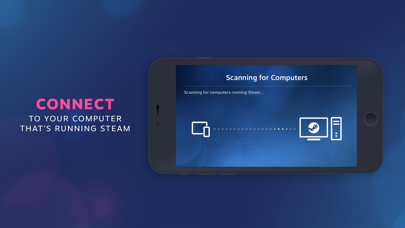
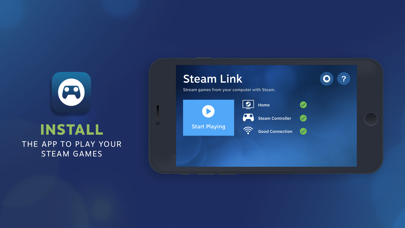
Discover how the Steam Link app streams your PC library directly to iOS devices. Read our full review of its features, setup, and performance requirements.
Unlocking Mobile PC Gaming with Steam Link
The Steam Link app for iOS has revolutionized how we interact with our PC gaming libraries by untethering players from their desks. Developed by Valve Corporation, this utility bridges the gap between your desktop computer and your Apple mobile devices, allowing you to stream high-end PC games directly to your iPhone or iPad. Whether you want to clear your backlog from the comfort of your bed or play casual indie titles on the couch, this app provides a seamless streaming bridge within your home network.
How Steam Link Transforms Your Gaming Experience
Rather than running games natively on your mobile hardware, the Steam Link app for iOS utilizes your desktop's powerful graphics card and processor to run the game, streaming the video and audio feed directly to your handheld screen. Your touch inputs or controller commands are sent back to the host computer in real-time. This clever architecture means you can experience demanding, AAA-level desktop graphics on an iPad or iPhone without experiencing thermal throttling or rapid battery drain.
Essential System Requirements
To establish a stable connection and enjoy lag-free gaming sessions, your setup must meet the following baseline specifications:
- Host Computer: A desktop or laptop running the Steam client on Windows, Mac, or Linux.
- Apple Device: An iPhone or iPad running iOS 11.0 or higher.
- Network Environment: Both the host computer and the iOS device must be connected to the exact same local network.
Optimizing Performance for Smooth Gameplay
Because local streaming is highly dependent on network bandwidth and latency, achieving a console-like experience requires a robust home network. For the absolute best results, Valve recommends these network optimizations:
- Connect your host computer directly to your router using a physical Ethernet cable.
- Connect your iOS device to the faster 5GHz band of your Wi-Fi network rather than the standard 2.4GHz band.
- Maintain a reasonable physical distance between your mobile device and your Wi-Fi router to prevent signal degradation.
- Pair a compatible MFi (Made for iOS) controller or an official Steam Controller to your device for precise inputs.
Who is the Steam Link App For?
This application is an exceptional fit for dedicated PC gamers who want more flexibility in where they play. It is particularly useful for turn-based strategies, role-playing games, and casual titles that do not require frame-perfect competitive inputs. By transforming your tablet into a portable monitor with built-in controller support, it maximizes the utility of your existing hardware investment.
Getting Started
Ready to take your library on the go? If you want to experience your favorite desktop titles on your tablet or phone, head over to the official App Store to download the application on your iOS device and configure your local connection.