PhotoScape X - Photo Editor
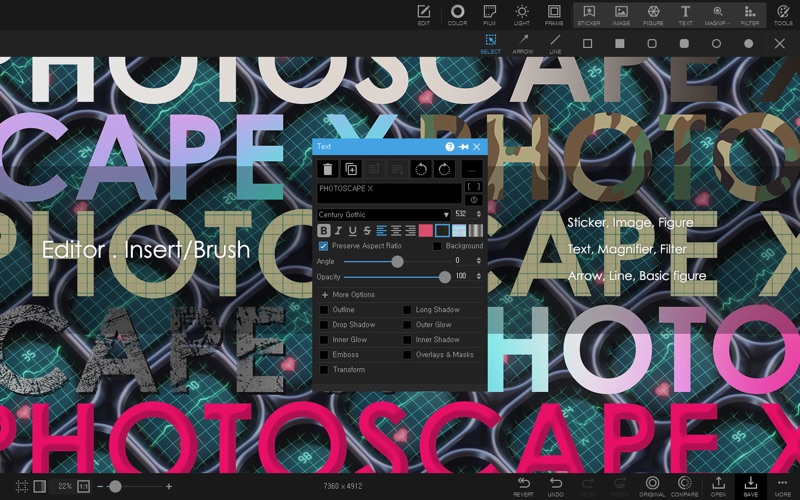
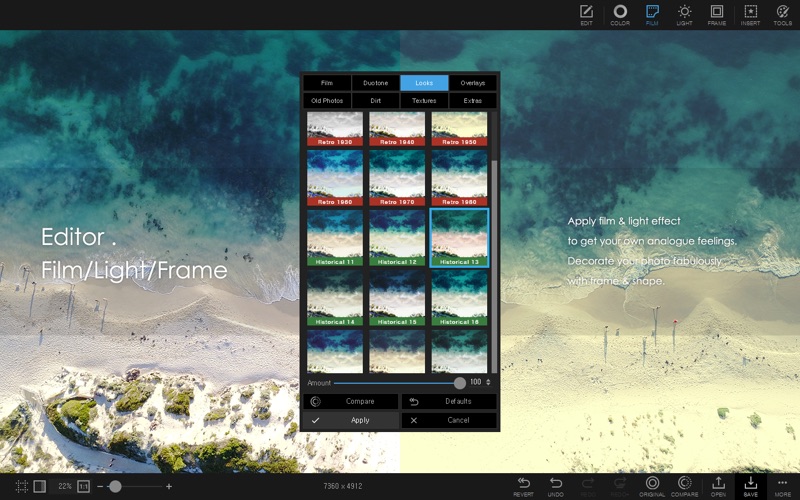
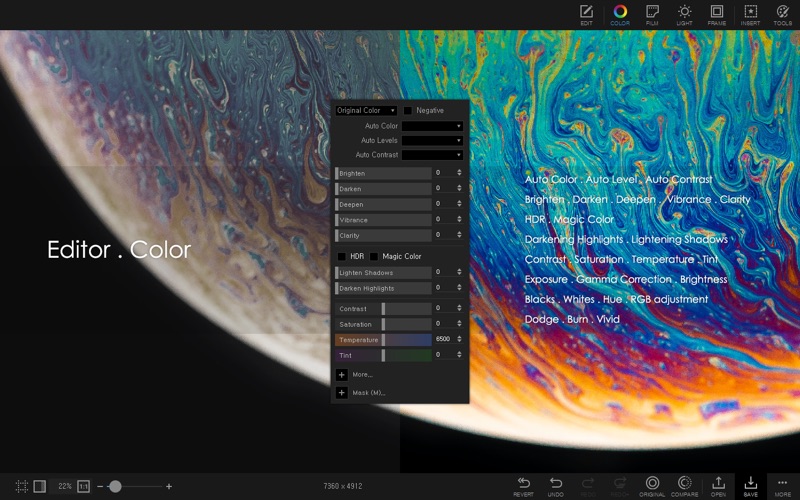
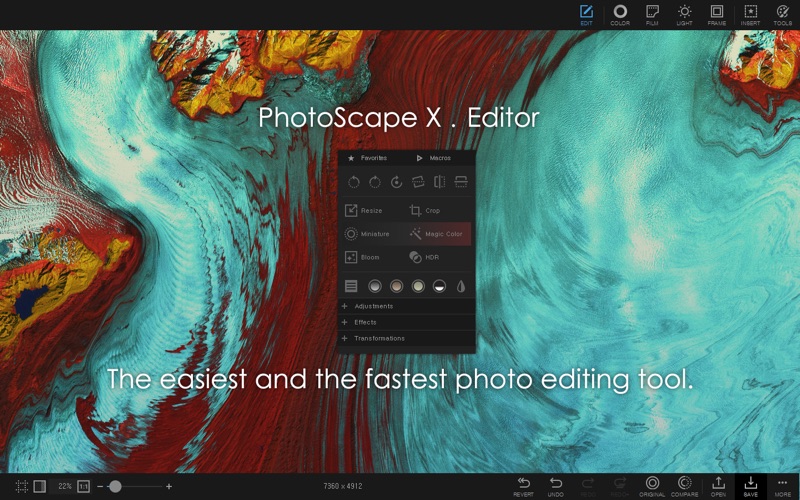
Discover how PhotoScape X - Photo Editor simplifies Mac image editing. Read our full review of its batch tools, cutout features, and creative filters.
An All-in-One Creative Toolkit for Mac Users
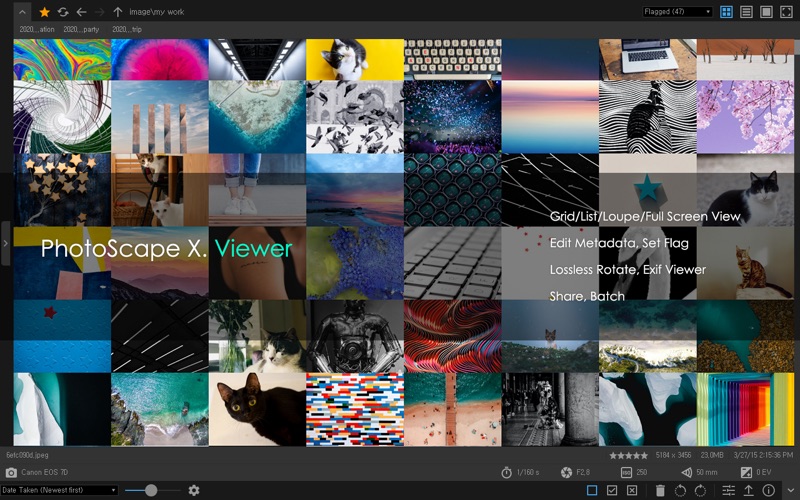
Finding a single application that balances ease of use with a robust feature set can be a challenge. PhotoScape X - Photo Editor addresses this need directly by offering an all-in-one photo editing suite designed specifically for macOS. Developed by Mooii Tech, this design application consolidates dozens of standalone tools—ranging from a quick viewer to advanced color correction engines—into a unified, streamlined workspace.
What You Can Actually Do with PhotoScape X - Photo Editor
Instead of forcing users to switch between multiple applications, this software provides a comprehensive pipeline for digital image management and manipulation. Here is a look at what you can achieve with its core toolkit:
- Precision Background Removal: The dedicated Cut Out tab features a Magic Eraser, Lasso tool, and Brush tool to isolate subjects and remove backgrounds cleanly.
- Efficient Batch Processing: Apply identical crops, resizes, format changes, or filters to hundreds of photos simultaneously to save hours of manual labor.
- Advanced Color and Light Adjustments: Fine-tune your images using RAW support, HDR merging, focus stacking, curves, levels, and selective color balance.
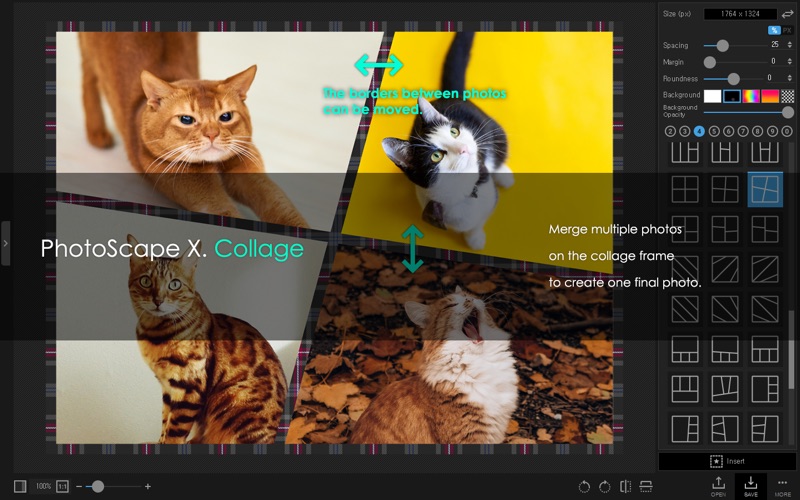
- Creative Layouts & Animations: Combine multiple photos into classic collage frames, merge images horizontally or vertically, or compile frames to build custom animated GIFs.
- Local Adjustments & Retouching: Fix imperfections using the Spot Healing Brush, Clone Stamp, Red Eye Correction, and Liquify tools, or paint effects selectively with customizable brushes.
Streamlining Your Workflow with Macros
For repetitive design tasks, the software includes a Macro recorder. This feature allows you to record a sequence of edits—such as resizing, applying a film filter, and adding a border—and play them back instantly on new projects. Combined with the batch renaming and splitting features, it transforms tedious administrative preparation into a simple, automated process.
Who Is This Design App For?
PhotoScape X - Photo Editor is ideal for content creators, social media managers, and hobbyist photographers who require fast, high-quality results without the steep learning curve of subscription-heavy design suites. Its multilingual support—including English, Spanish, German, French, Korean, Japanese, and Chinese—makes it highly accessible to a global user base.
Explore the Software Further
If you are looking to simplify your editing routine on Mac, this versatile application offers a compelling solution. To explore its full feature set and see how it fits into your workflow, visit the official Apple App Store page to get started.